Your comments

ok, one system reboot, and letting it continue processing (a comics, books & magazine section) and it seems to have fixed itself so ... all righty.

Yeah, not 100% sure what was the cause, but some of the cbr's seemed to be ... not correct, so just reconverting them back to that format again seems to have fixed it.
Good evening, I thought I would once again see if anyone else had run into this odd thing.
I got a new PC, so had to re-install/setup my stuff, and while I am 99% back up and running (and enjoying the current v3 beta with no real issues) I did run into an odd thing that I can't recall if I had happen on my old setup, so not sure if its a glitch in my setup or something else.
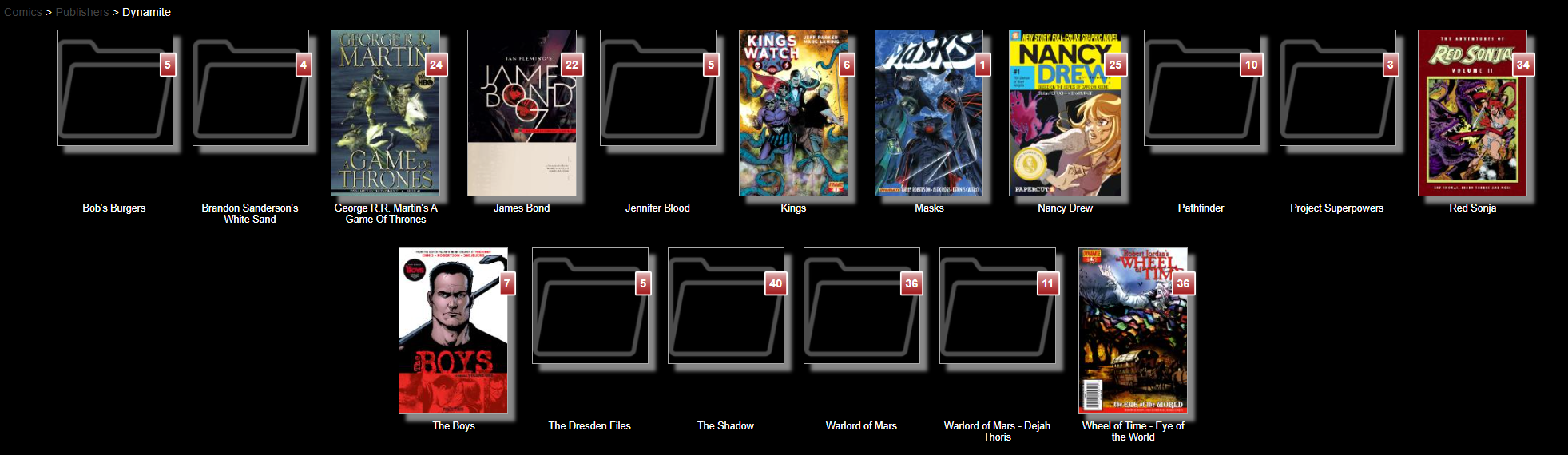
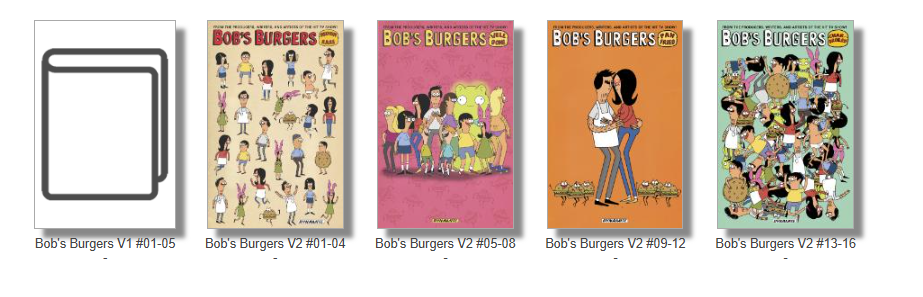
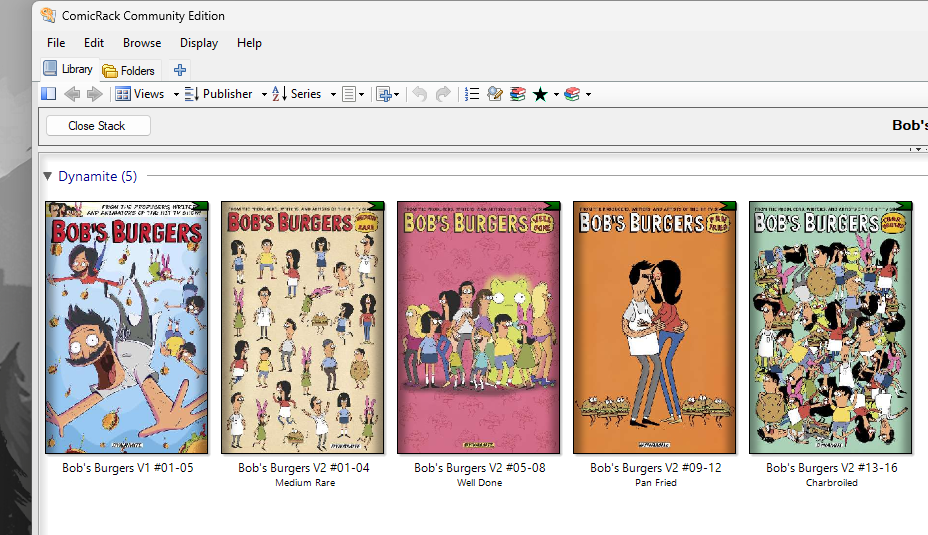
I'm seeing a decent number of folders/comics that for some reason don't pull up with cover images, for instance below in my Dynamite Comics section, Bob's Burgers overall shows as just a folder, because the first comic doesn't seem to want to populate the image. It is a bog standard .cbz file similar to all the rest and when I look with my local viewer (ComicRack) it seems fine.
It doesn't affect reading it at all from what I can tell, just makes it a little less cohesive for quick browsing/viewing.
Any thoughts? did I break something or configure something odd when I set it up this time?
Well ... I'm an idiot.
so, for anyone else who has my mental block, I had neglected when I installed clean the new version to make sure that I had checked the box in the Advanced Settings tab, to "Enable folder metadata display" so ... no wonder it wasn't reading the files that I had all nicely curated.
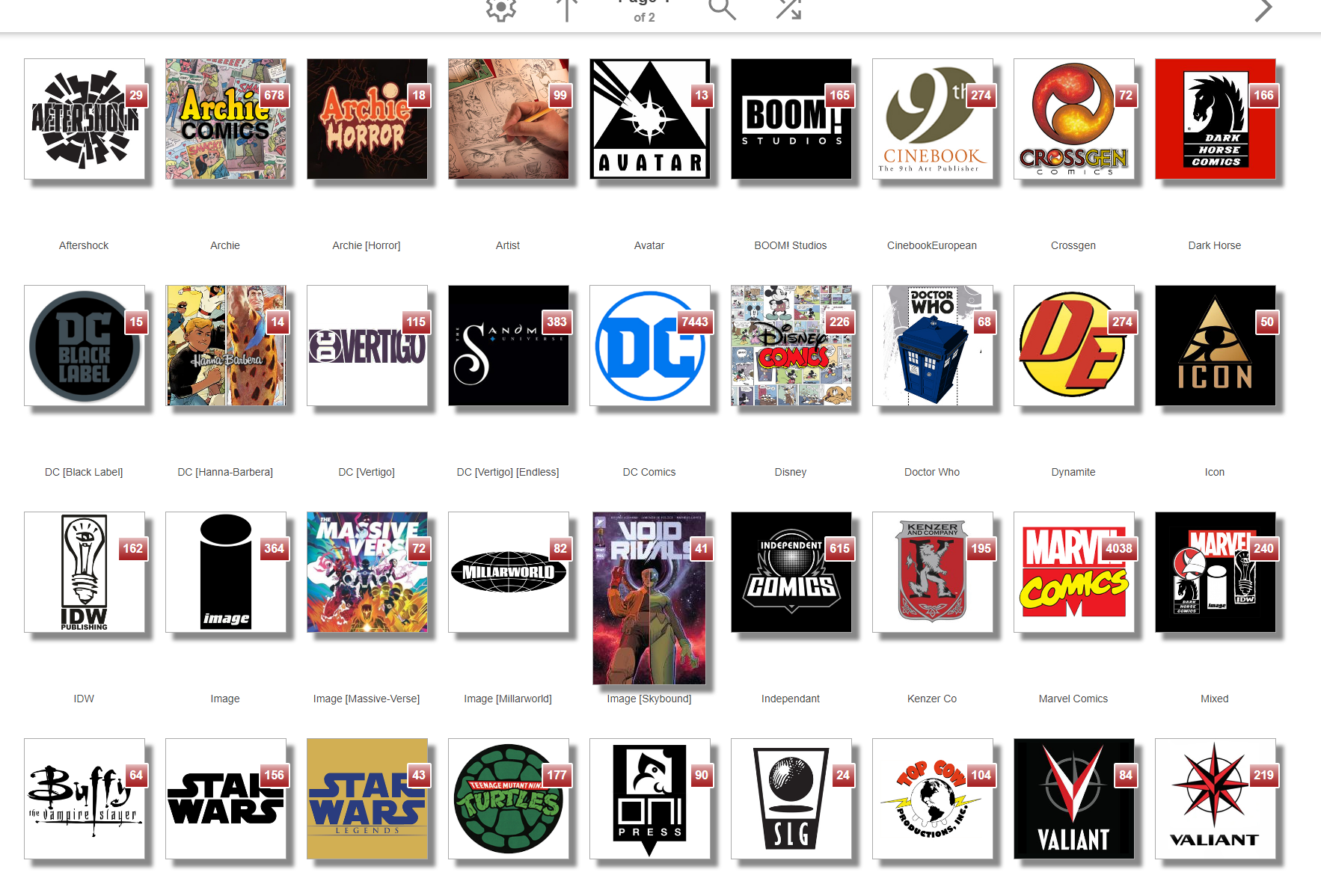
I may do more overall color tweaks like you said you did, but now that I have all but the newest (the Skybound/Energonverse) with their logo's that I spend time making, I'm happy for now.
Oh, that is awesome, gives me something to focus on to sort it out.
I'll dig in tonight and see what's what.
Thanks for the response.
update --
Ok looked at this and I did have a similar setup from previous versions with similar sized header & footers, but for some reason the new system is not picking up those css & html's and implementing them, so i guess I'm missing something.
So, I'm a bit of a novice/idiot when it comes to coding, but I had figured out the way in the older version to get a "studio logo" as a folder image, but I'm drawing a bit of a blank with the new setup.
I understand the nature of how the images are called has changed to make it better, but if anyone could point me to something to assist I would greatly appreciate it.
That said, really liking the overall nature of the v3 update.

sorry for the delay in response.
from what I can see, Java v8 update 171 (build 1.8.0_717-b11)
and when I looked at my log it seemed like there weren't any errors. Which made me think it was running fine just not displaying. I launched again and ... yep seemed to be fine.
So ... yeah I guess I'm just jinxed, and it seems to be up and running again.
The only thing that I can think of is that I had an odd issue with my Nvidia graphics driver update, so it might have been a display render error not actually related to Ubooquity, just happening to affect it.
Customer support service by UserEcho


see that makes sense, it's just been sooo long since i did a full re-install/scan that I think I fully forgot that.